
Vintage or Obsolete iPad: What It Means and What Your Options Are


If you’ve learned that your device has been classified as a vintage iPad or even an obsolete iPad by Apple, it’s normal to have questions:
Is it unusable now?
Can it still be repaired?
Is it worth keeping?
These classifications do not mean your iPad stops working immediately. However, they do indicate that the device is entering a different stage in its lifecycle. Here’s what each category means and what options you realistically have.
What is a vintage iPad?
Apple considers a device vintage when:
It has been more than 5 years since it was last officially sold.
Service may still be available (depending on parts availability).
It can continue functioning normally.
It may receive limited security updates.
A vintage iPad is not “dead,” but it is approaching the end of active support.

What is an obsolete iPad?
An obsolete iPad (Apple classification) is one that:
Has been more than 7 years since last distribution.
No longer receives official hardware service.
Has no guaranteed availability of original parts.
No longer receives operating system updates.
At this stage, the device may still function—but it no longer has official manufacturer support.

What about software updates?
Software support is crucial.
When an iPad stops receiving new iPadOS versions:
It loses access to modern features.
App compatibility gradually decreases.
Digital security protections weaken over time.
That said, many users continue using older iPads for basic tasks such as:
Streaming
Light web browsing
Educational purposes
Point-of-sale systems
Secondary display use
It all depends on intended usage.

Is repairing an older iPad worth it?
The key question is:
Is it worth repairing an older iPad?
The answer depends on three factors:
Overall device condition
Type of repair needed (battery, screen, charging, etc.)
Intended usage
For example:
Replacing the battery in a vintage iPad can extend its life significantly.
Major board repairs in an obsolete model may not be cost-effective for intensive use.
Screen replacement in a functioning device can be completely reasonable.
Not every older iPad should be automatically discarded.

Risks of ignoring device condition
An older iPad may develop:
Battery degradation affecting performance
Security risks due to lack of updates
Progressive internal wear
Making an informed decision prevents unnecessary expenses—or premature disposal of a still-usable device.
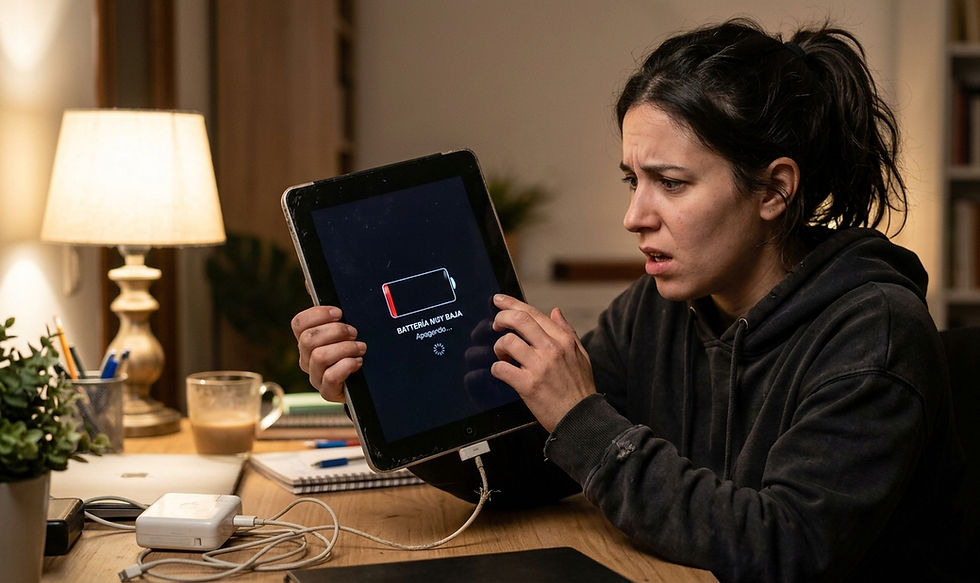
Professional evaluation before deciding
The smartest approach is a professional diagnostic that evaluates:
Battery health
Charging system condition
Internal hardware state
iPadOS compatibility
Repair cost-effectiveness
👉 At iProX, we help determine whether your vintage or obsolete iPad still has life left—or whether upgrading makes more sense.
We have service locations in Guadalajara, Zapopan, and Puerto Vallarta, offering clear technical guidance so you can make the best decision.


Comments